DJI Mic Review – Honest Opinion
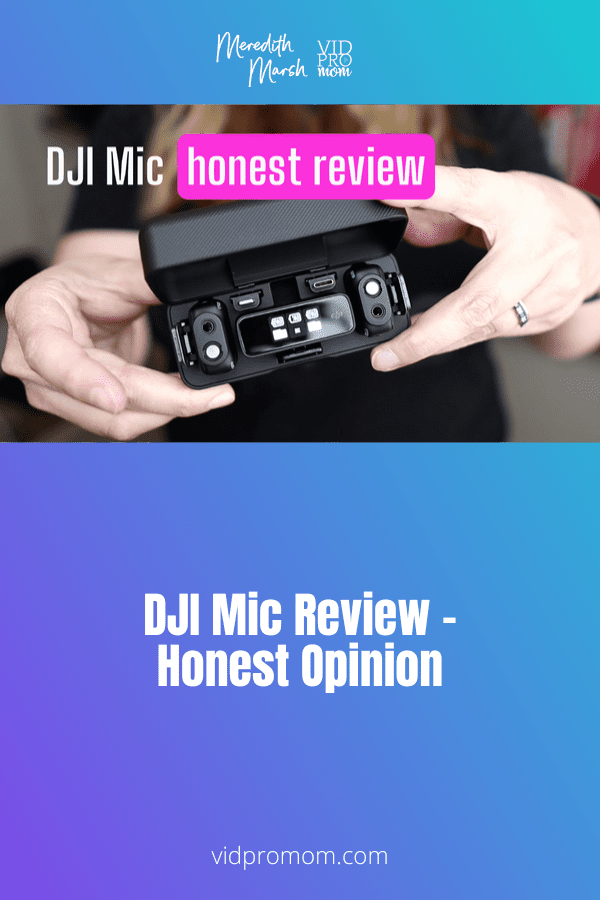
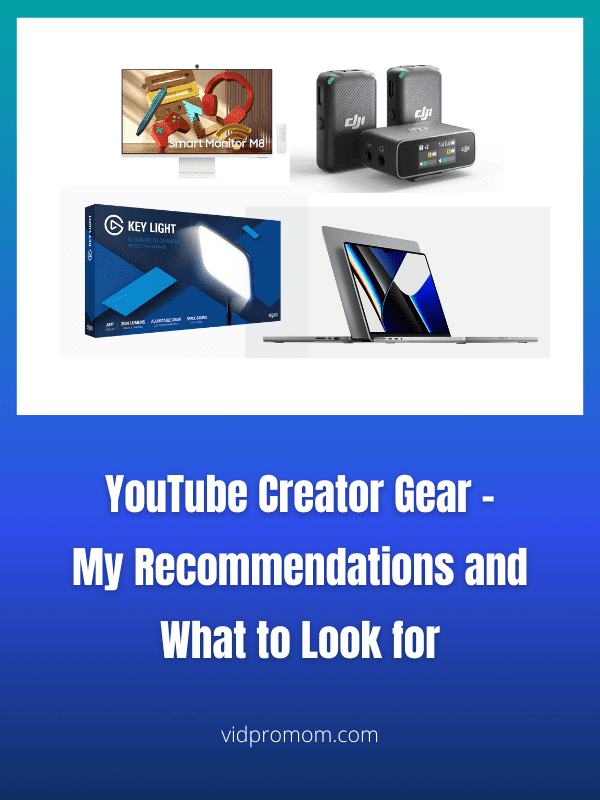
I want great audio but I don’t want it to be complicated. So in this DJI Mic review, I’ll give you my honest opinion about the upsides and downsides of DJI’s microphone!
Wondering how to draw and write ON TOP OF videos? Using your iPad, it’s simple! And using your own handwriting in your videos along with sound effects is a fun way to use your creativity on YouTube!
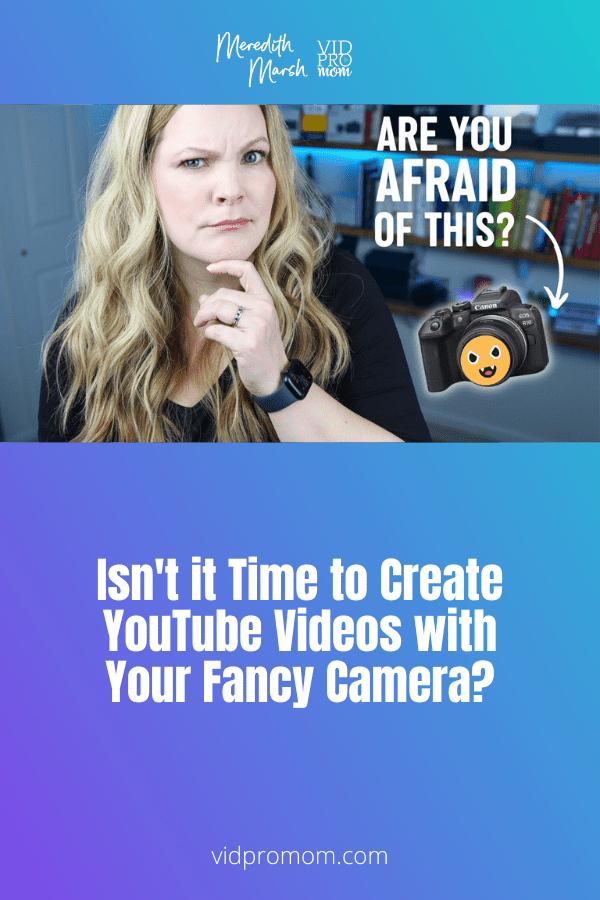
Did you buy a fancy camera to create YouTube videos but you’re still using your phone because you’re kind of afraid of it!? I can’t tell you how many clients and students I have who have spent hundreds or thousands of dollars on a nice camera, that sits in the box. And I get it,…
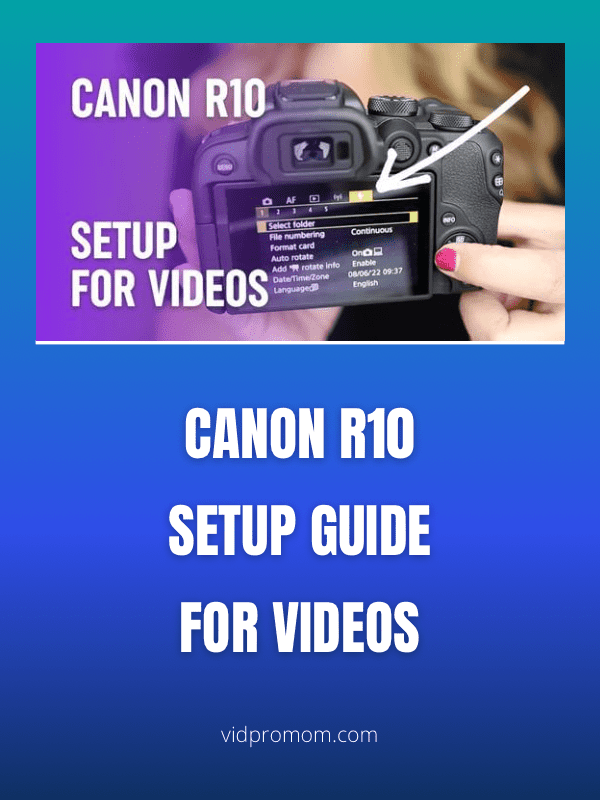
Right out of the box, Canon EOS R10 has some default settings that we need to change and adjust to make your YouTube videos look better and speed up your workflow. Follow along with me here and grab the R10 cheat sheet through the link down below.
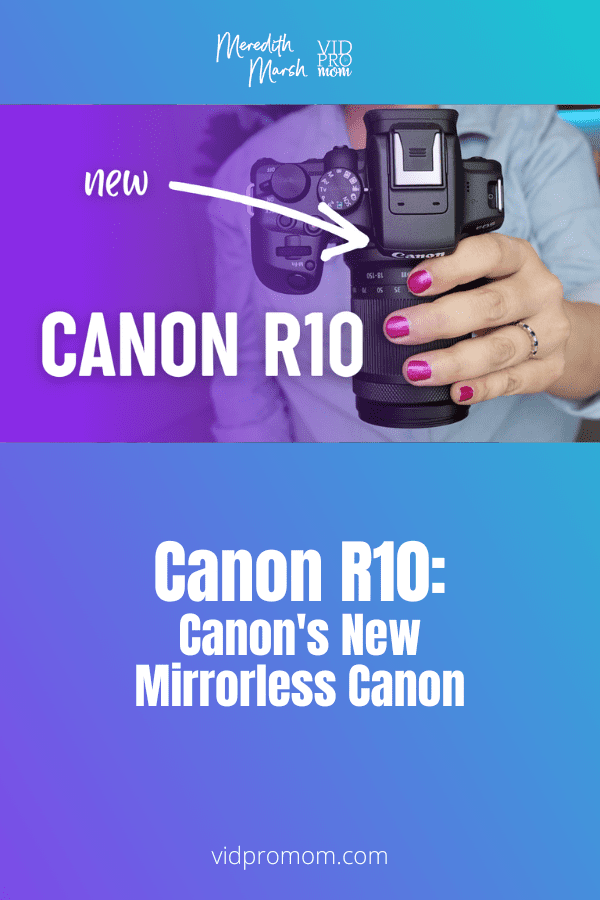
The Canon EOS R10 is a brand new crop sensor, mirrorless camera released in July 2022 along with the EOS R7. I didn’t really need a new camera, but you know I like to cover YouTube cameras here on this blog so when I saw Canon was coming out with something new, I had to…
Screen recording tips are my JAM! If you’ve been around my YouTube channel for a while, you know that a lot of my videos are screen recordings (A.K.A. screencast videos), and I usually use ScreenFlow to record and edit my screen recordings. Now, I want to share 6 screen recording tips that you can use…
The secret weapon to record your Mac screen in high quality for YouTube videos and courses is Screenflow. It’s easy to use, has an integrated editor with effects, pointers, and graphics. Plus, it works with all Apple products.
You might be wondering how to edit zoom video recordings if you’ve been doing a lot of zoom conference calls and video chats lately! In this post, I will show you 5 ways to edit Zoom video recording whether they are cloud recordings or local recordings.