What If Your Kid Wants To Be A YouTuber?
What if my kid wants to be a YouTuber? I’ve had this on my mind for years, so let’s talk about it! Let’s chat about it in the comments…
I’m always looking to save time when creating videos, and lately, I’ve been using 3 tools that help me do exactly that. That way, I can create more videos to grow my YouTube channel and not get held back by spending so much time shooting and editing YouTube videos!
YouTube Shorts and all short-form content are really hot right now. I keep hearing that you can “blow up your channel with shorts” but is that really true? If you’ve been wondering what YouTube Shorts are, how they work, and how to post a YouTube Short, this post is for you!
In this blog, I’ll show you how to automatically repurpose TikTok videos with no watermark for Instagram Reels, YouTube Shorts, and Facebook Reels. Repurpose.io is a game-changer for this.
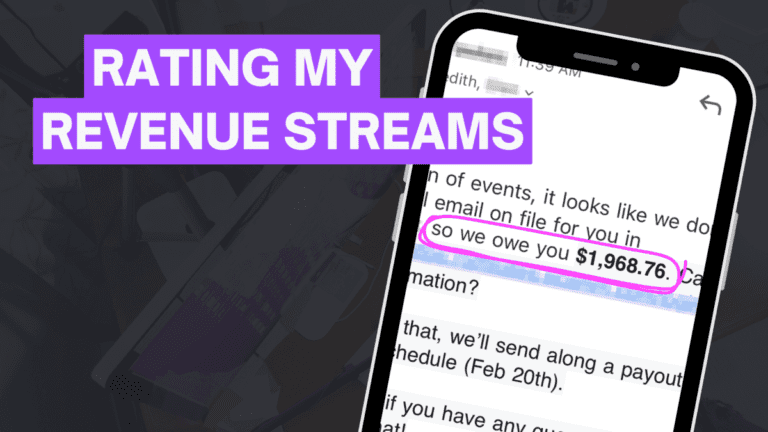
When I think about the YouTube 2023 predictions, honestly, I’m excited to see how these things play out: Shorts, Podcasts, Revenue on YouTube? It feels like 2023 will bring some huge shifts based on what’s been announced (and leaked). Disclaimer: I am generally not that great at making predictions, and this blog is for entertainment…
If you want to be taken seriously on YouTube, you need to get a YouTube channel logo! And if you’re not a custom YouTube channel logo designer or know your way around logo design software, 99designs offers the perfect solution. Seriously… getting a completely custom YouTube channel logo has never been easier!
If you’re looking for YouTube creator gear to get started or upgrade the YouTube camera and YouTube equipment you have in 2023, here’s what I’d be looking for if I were you! Here’s what I’ve been loving this year (I’d totally buy this YouTube creator gear again!) and what I’m wishing for… I’d keep an…
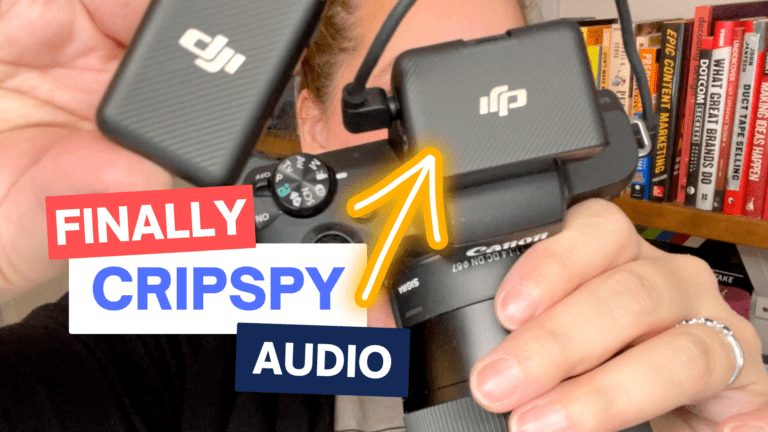
I want great audio but I don’t want it to be complicated. So in this DJI Mic review, I’ll give you my honest opinion about the upsides and downsides of DJI’s microphone!
Wondering how to draw and write ON TOP OF videos? Using your iPad, it’s simple! And using your own handwriting in your videos along with sound effects is a fun way to use your creativity on YouTube!
Did you buy a fancy camera to create YouTube videos but you’re still using your phone because you’re kind of afraid of it!? I can’t tell you how many clients and students I have who have spent hundreds or thousands of dollars on a nice camera, that sits in the box. And I get it,…
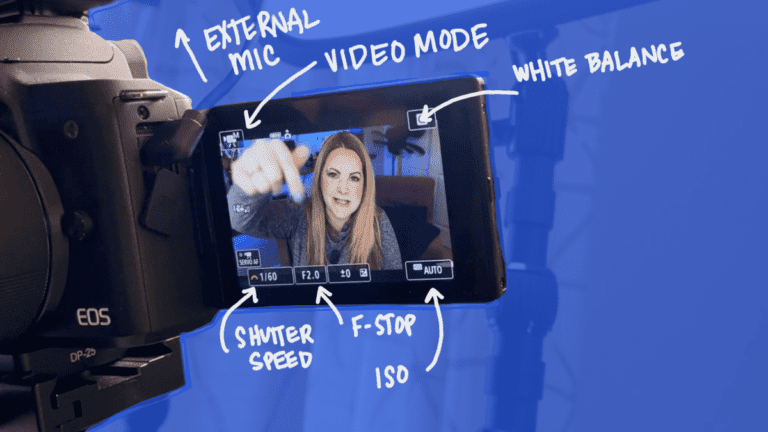
Right out of the box, Canon EOS R10 has some default settings that we need to change and adjust to make your YouTube videos look better and speed up your workflow. Follow along with me here and grab the R10 cheat sheet through the link down below.
The Canon EOS R10 is a brand new crop sensor, mirrorless camera released in July 2022 along with the EOS R7. I didn’t really need a new camera, but you know I like to cover YouTube cameras here on this blog so when I saw Canon was coming out with something new, I had to…
iMovie is a simple yet robust free video editor, and honestly, if you’re using iMovie for YouTube videos, you’re in luck! iMovie is the perfect place to start editing videos for YouTube if you’re a beginner. So in this blog, let’s get you set up with your video edit in iMovie 2022.
There’s nothing more frustrating than wasting time having to re-do your edits for your video. With that, here are some of the CapCut settings to avoid so you can create and upload videos faster for your viewers.
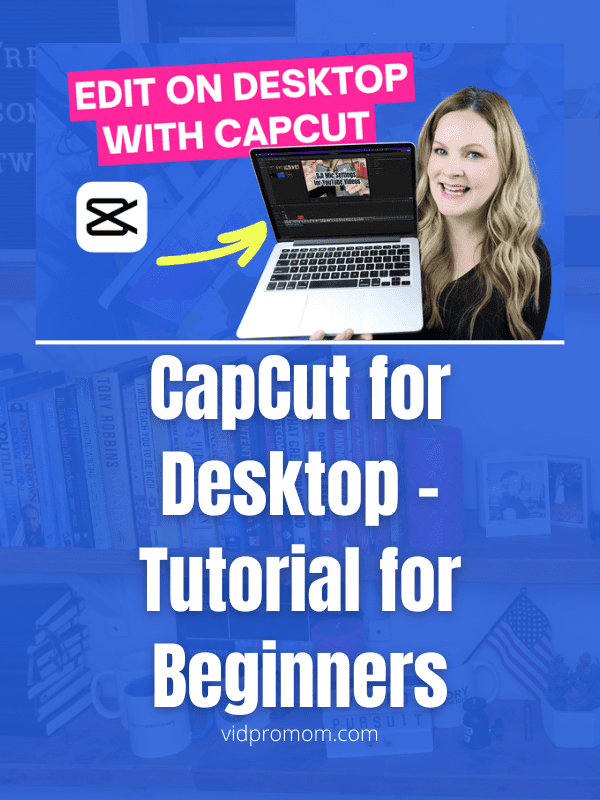
You have videos to create and this CapCut Editing Tutorial for Beginners (2022) will help you get them done FAST!
Yes, this content planning organization video really dives deep into how my brain works… I was kind of scared to show this all on my YouTube and blog!! But after hearing from so many content creators about being overwhelmed and disorganized, I had to get my Notion YouTube video template out there.
Looking for ways to remove your TikTok watermark so you can post your TikToks on Reels and YouTube Shorts? Let’s dive into 5 ways to remove, avoid, or hide the TikTok watermark on your videos so you can repurpose them across multiple platforms.
Before you add background music on YouTube videos, you should know what the do’s and don’ts are so that you don’t get into trouble. Ignoring some of these aspects of adding background music to YouTube videos could lead to demonetization, and even get you into trouble with your audience.
Over the last 2-3 years, I’ve been doing a YouTube channel pivot. And I have some hard-learned lessons I want to share with you if you’re thinking about pivoting your YouTube channel or wondering if you can pivot your channel in order to grow on YouTube.
Wondering how to create thumbnails on Canva? Canva is my secret weapon for designing YouTube thumbnails these days. But that’s not my only thumbnail design tool! I have a few tricks up my sleeve that I want to show you today when it comes to actually creating your YouTube thumbnails. In this blog, I’ll show…