Save Time with THIS YouTube Video Editing Workflow
Some of you asked about my YouTube video editing workflow, and of course, I’m here to share how I edit my YouTube videos so you can pick up a tip here and there to improve your workflow.

Video editing is on of my favorite things as a content creator! But it’s easy to get overwhelmed and frustrated when learning how to edit videos.
If you’re TOTALLY new to video editing, then you’re in for a real treat because I have a ton of video editing tips, video editing software recommendations, and video editing tutorials here on my blog as well as my YouTube channel!
Some of you asked about my YouTube video editing workflow, and of course, I’m here to share how I edit my YouTube videos so you can pick up a tip here and there to improve your workflow.
Background music for social media videos and YouTube is one of my favorite topics because there are so many confusing options for royalty-free music! MOST people think what they’re looking for is free background music, and trust me, I get it–but if everyone keeps using the same free songs over and over, how do your…
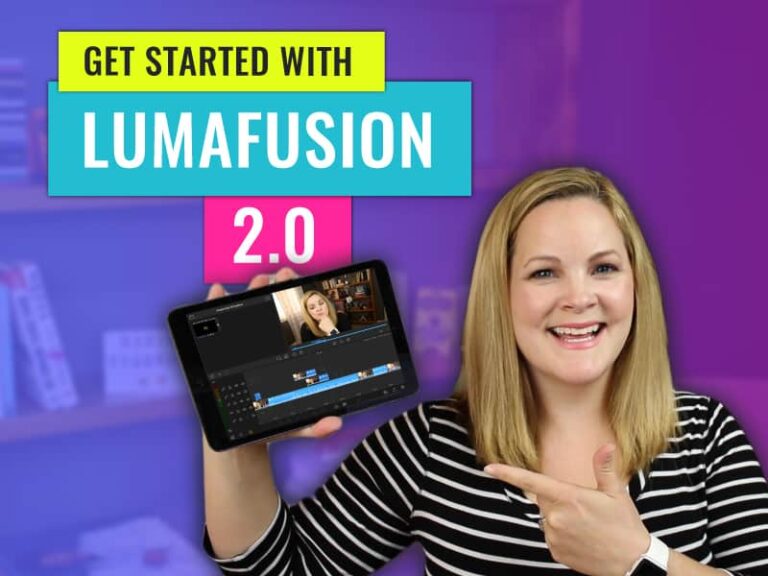
You’ve asked for a LumaFusion tutorial for beginners, and I promised it was coming but I wanted to wait until LumaFusion 2.0 was released! This is your LumaFusion 2.0 Beginners Guide and in this video, you will learn how to use LumaFusion on an iPad, which is very similar to LumaFusion for the iPhone (it’s…
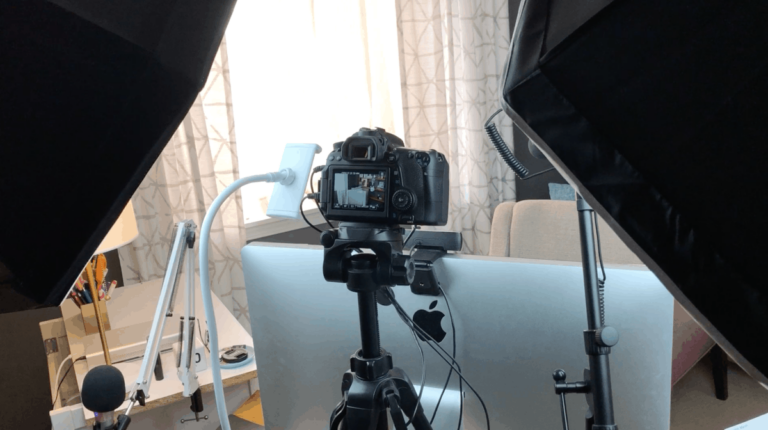
Creating YouTube videos on your own can be daunting, but figuring out how to create professional YouTube videos isn’t hard at all. Here is an easy walkthrough of my process!
We talk a lot about video editing software here, but usually with a focus on YouTube or Facebook videos. But the time has come to branch out and talk about all of the other social media platforms taking part in the video medium. It’s not uncommon to experience horizontal videos, vertical videos, square videos on…
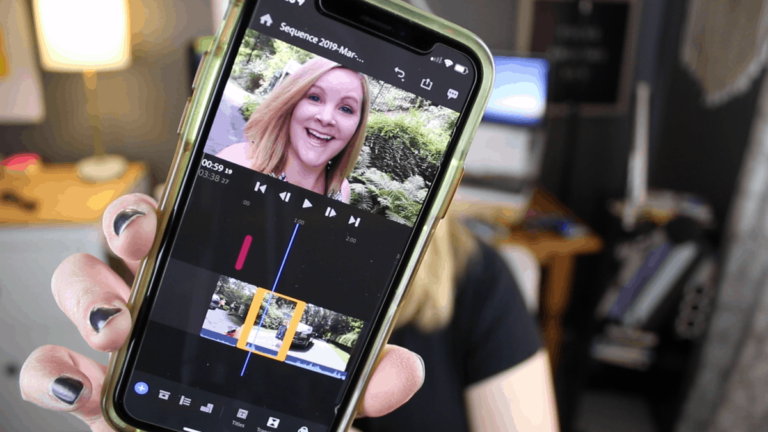
Adobe Premiere Rush is a new video editing app for iPhone and desktop computers that makes it easy to edit videos on multiple devices, to share on YouTube, Facebook, Instagram, or save for later. With the Adobe Premiere Rush iPhone app, you can start an edit on your phone, and sync your edits to Creative…
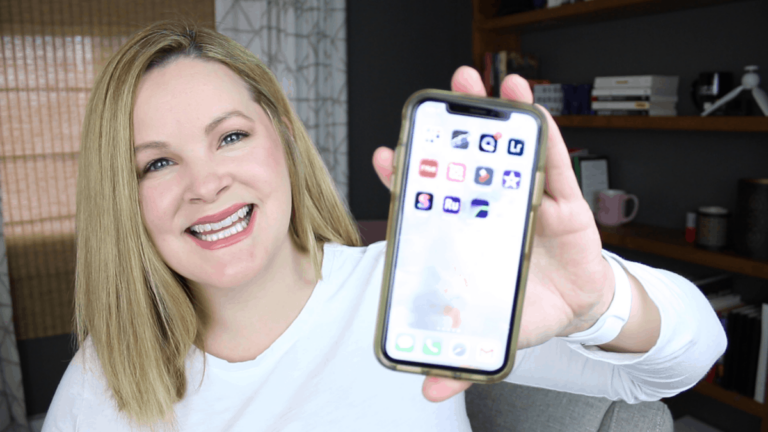
Curious how to edit videos on iPhone? I don’t typically edit videos on my iPhone… but lately, I’ve been doing more and more editing on my iPhone X (especially with Luma Fusion). While there are several video editing apps for the iPhone, there is one that really blows me away! In this post (and YouTube…
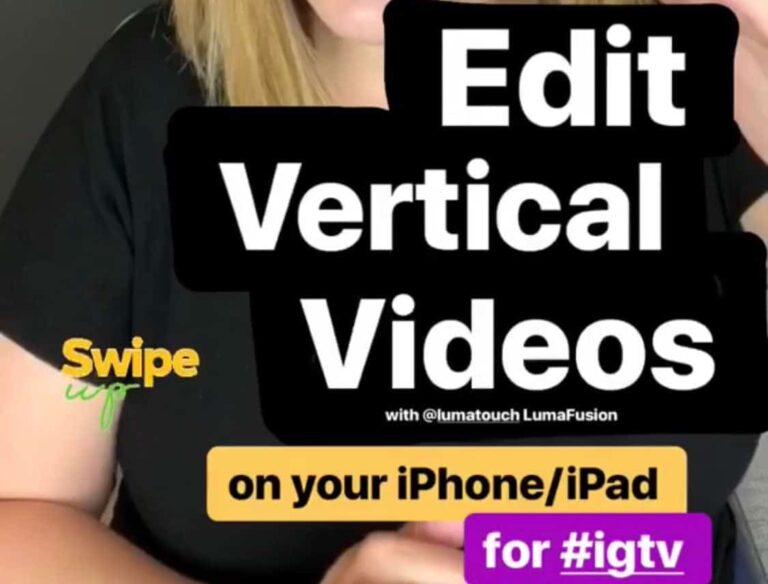
With the release of IGTV, I’ve been asked about how to edit vertical video for IGTV. Many Instagram-savvy folks are utilizing their iPhone for all-things-social these days, and when it comes to editing videos on an iPhone, it gets tricky. Luckily, there are some great video editing apps for iPhone, including LumaFusion. I created this…

*Disclaimer: This video was sponsored by Adobe. I am provided with compensation for advertisements on this channel and, possibly, commissions for purchases made through links in this post. All thoughts and opinions are my own and are not influenced by Adobe or its affiliates. My experience is my own, and your experience may differ. Motion…
*Disclaimer: This video was sponsored by Adobe. I am provided with compensation for advertisements on this channel and, possibly, commissions for purchases made through links in this post. All thoughts and opinions are my own and are not influenced by Adobe or its affiliates. My experience is my own, and your experience may differ. When…
I have been using Adobe Premiere Pro for my YouTube videos since I started on YouTube, and although it took some time to learn, figuring out how to edit videos for YouTube in Premiere Pro is one of the best decisions I ever made! In this Premiere Pro tutorial, I’m going to take you on a…
When you’re new to YouTube or video editing with iMovie, it can be hard to know how to make a video look professional with iMovie. If you take a look at professional-looking videos on YouTube, there is a good chance that the magic is in the tiny little details.
Instagram Stories are now one of my favorite ways to create (and consume, let’s be real) social media, but they’re gone in 24 hours! As a YouTuber, I like my content to stick around for a while. I collaborated with Jessica Stansberry on her channel with a tutorial on how to repurpose Instagram stories for…
*Disclaimer: This video was sponsored by Adobe. I am provided with compensation for advertisements on this channel and, possibly, commissions for purchases made through links in this post. All thoughts and opinions are my own and are not influenced by Adobe or its affiliates. My experience is my own, and your experience may differ. Premiere…
When I started creating videos for fun, how to organize video files was the furthest thing from my mind. But now that I’ve been using the same “system” for years, I think my way is the fast and easy way to organize video footage for editing.
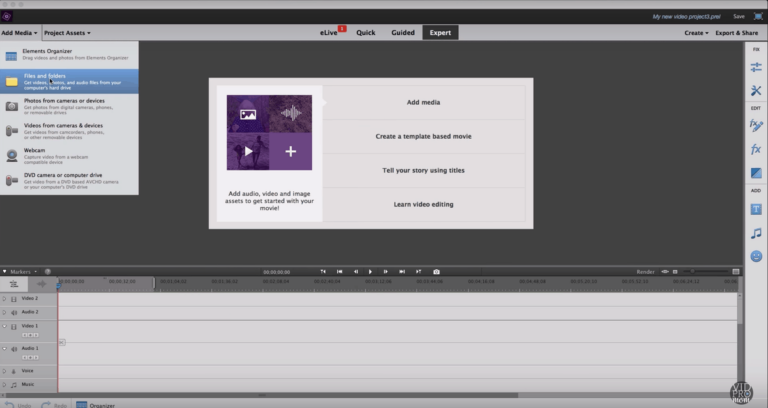
Many people realize they want or need to learn how to edit videos when they notice they have videos or clips they need to combine or merge. While video editing is a really broad topic, this post is strictly for beginners who aren’t sure how to edit videos or where to even start! For those…
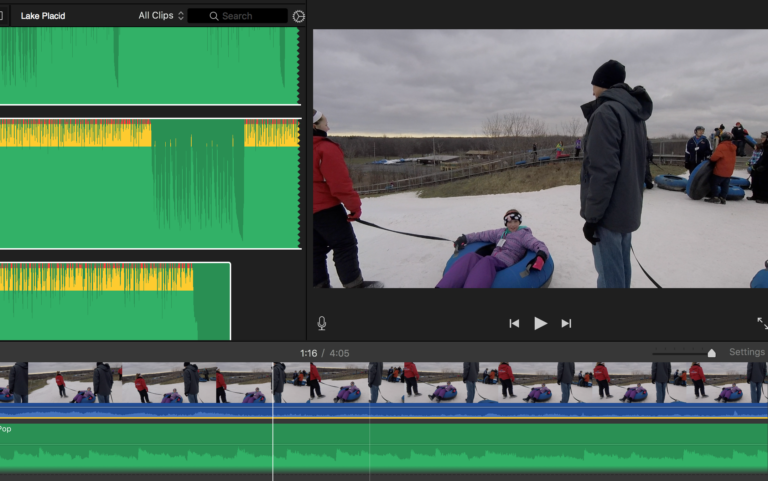
YouTube background music isn’t hard to find, but Epidemic Sound makes it easy and affordable to find the best background music for your project. Every epic video needs an epic background music track, am I right? Adding good background music is an easy, fun way to spice up YouTube videos, GoPro Edits, family movies… but…
In this post, you’ll find my third and final VSDC Tutorial in my getting started series! If you missed the first two, you don’t want to skip ahead! You can scoot back to Tutorial 1 or Tutorial 2 to catch up. Be sure to do that before continuing on here with today’s tutorial, otherwise, you’ll…
This week, I’m continuing my VSDC Tutorial series with the second lesson. In the very first tutorial on using VSDC’s free video editor, I showed you how to get started with a new project and how to import clips. If you missed that first VSDC tutorial, click here to scoot back there to catch it….
If there is one question I hear all the time, it’s “what free video editing software can I use to edit my videos?” There are a handful of free video editor options out there for Mac and PC users, but one of them was recently retired by GoPro, and in its place, GoPro recommends PC…