How I Run My Membership Site
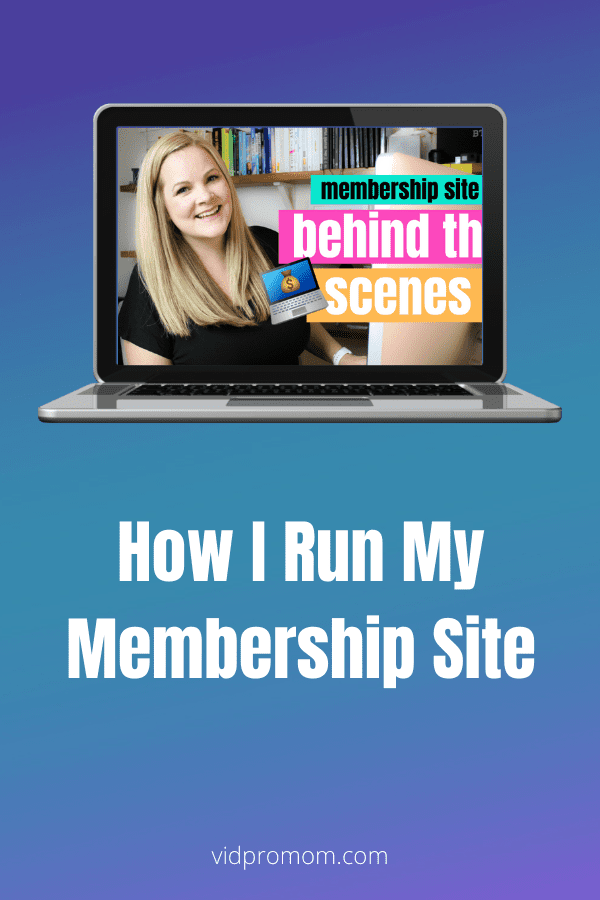
I launched my membership site and program back in 2018 and it’s been going ever since but I don’t talk about it much here on YouTube so, in this blog, I want to share with you how I run the Video Pursuit Society.
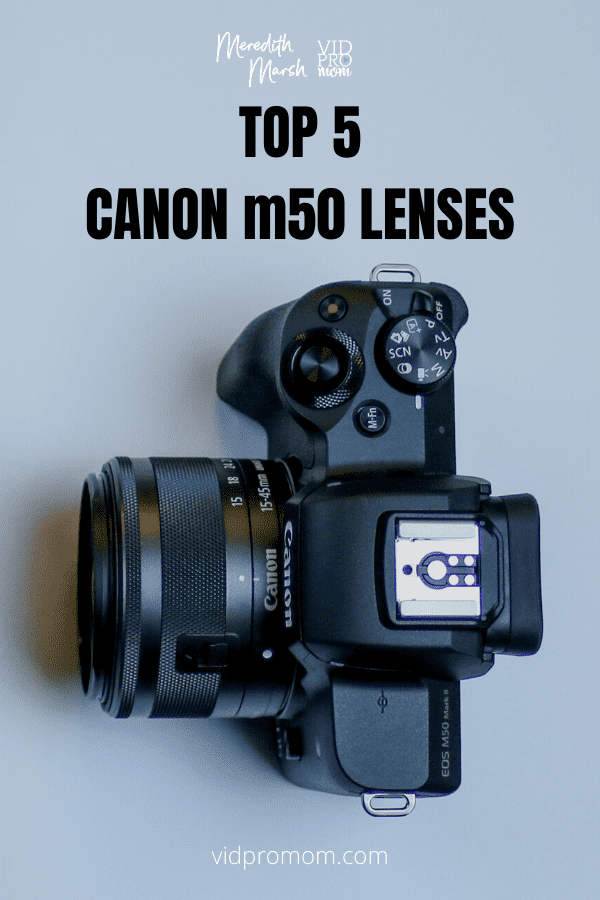
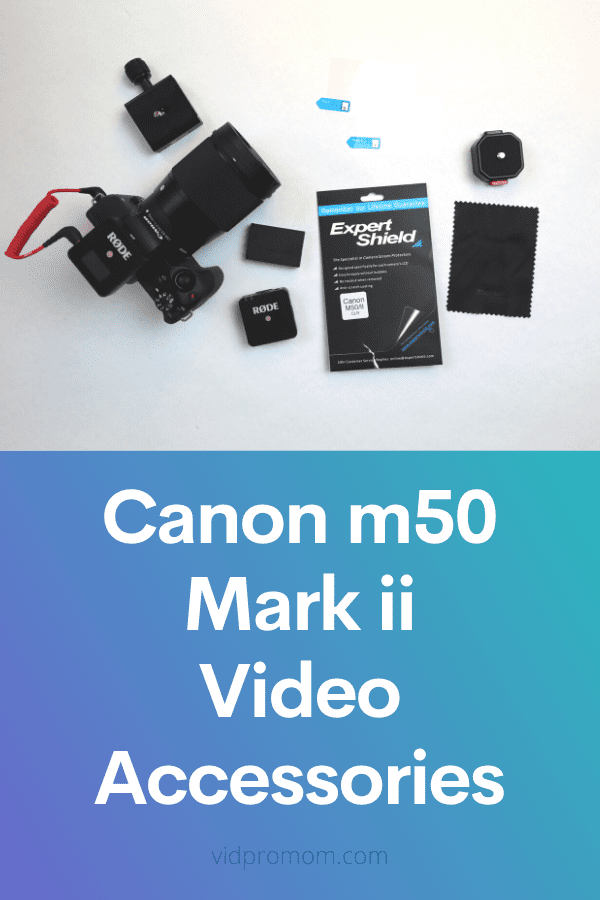
There are many useful Canon m50 accessories, but you don’t want to spend a ton of money or time looking for the right ones. Don’t worry, you have come to the right place! Check out my top 7 Canon m50 accessories for m50 and m50 mark 2!
The Canon M50 is often labeled as the “best camera for Youtube.” That’s why I preordered the Canon m50 Mark ii as soon as it was announced in 2020. I’ve had this Canon m50 Mark ii for a year now, and I LOVE it. In this blog post, I will give you an honest Canon…
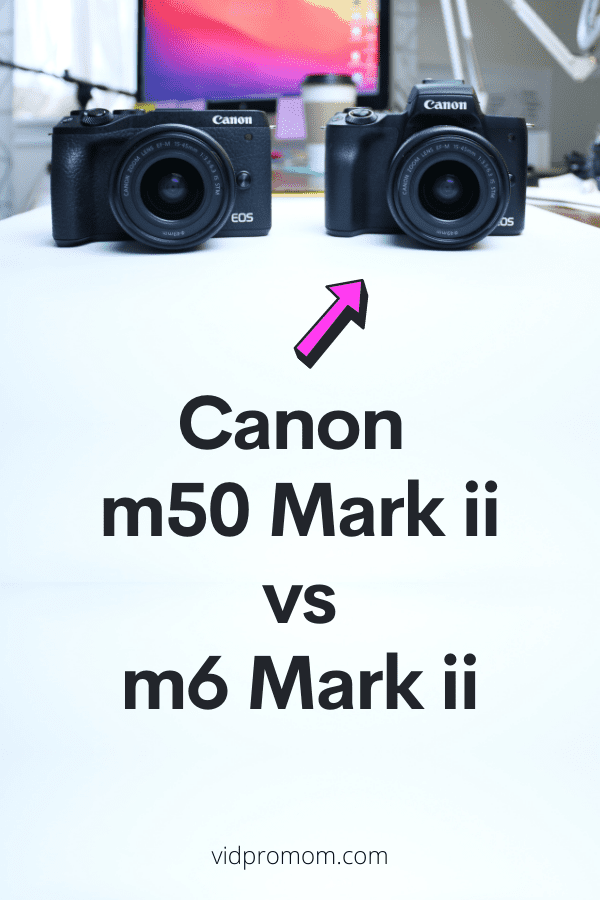
The Canon m50 Mark ii and Canon m6 Mark ii are SO close to being identical, you might be wondering… what is the actual difference? Because one of them costs a few hundred bucks more!! So what’s the deal with the Canon M6 Mark ii vs Canon M50 Mark ii, specifically as it applies to…
Don’t think you have the time to learn video editing? Well here’s a secret: you don’t have to be good at video editing in order to look legit on video and grow your audience on YouTube… but if not knowing how to edit videos for YouTube quickly is what’s holding you back from creating and…
Screen Recording, Overhead views, and POV or point-of-view videos are 3 ways you can make YouTube videos without showing your face. So let’s dissect how to create pro-looking videos without your face, and we’ll talk about voiceovers and audio, too.
If you have a young YouTube channel (or haven’t started yet), this question is for you. If not, no biggie! The Spider Web Effect is a strategy and planning tool that I created to help my clients and customers with their YouTube channel growth. In this blog, I would talk about the strategy and the…
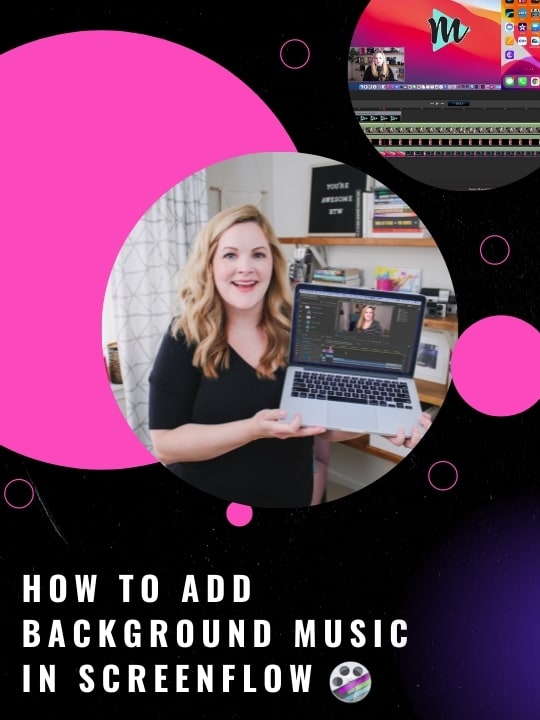
When it comes to ScreenFlow background music and sound effects, adding music in ScreenFlow can seem complicated at first. In this post, I’m going to show you how to add music in ScreenFlow, adjust your music settings, and where to find royalty-free background music so you don’t get into copyright trouble!
I want to share with you how and why I work 5 hours a day and not 8 or 9, and how I made it possible while also growing the business and earning a full-time income from the business. And this is a little off-topic from the norm here on my channel but this is…
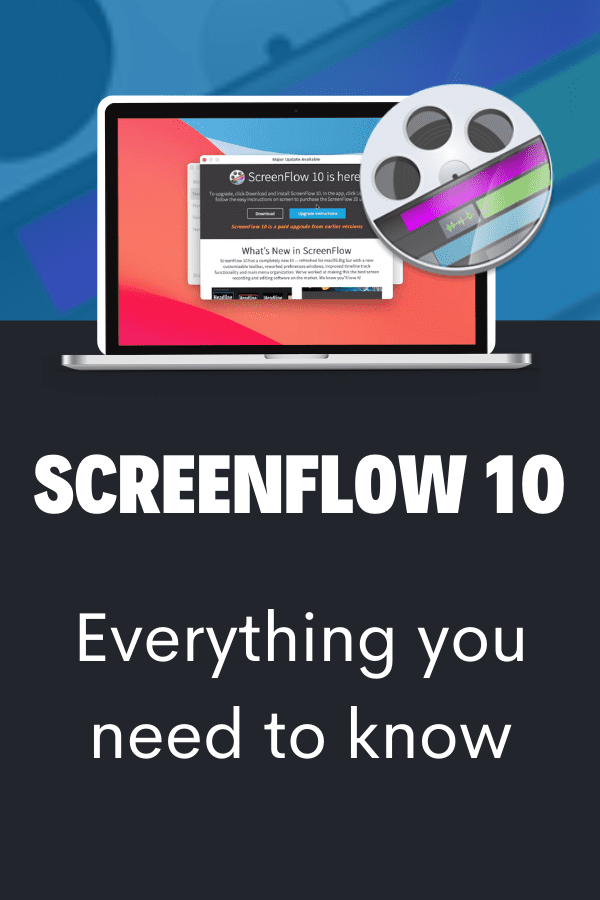
ScreenFlow 10 – it’s here! With increased performance, animated titles, background removal and so much more. In this blog, I’ll highlight the features with the biggest impact and give you my thoughts on whether it’s worth the upgrade. You may already know that ScreenFlow is my screen recording secret weapon, and these new features are…
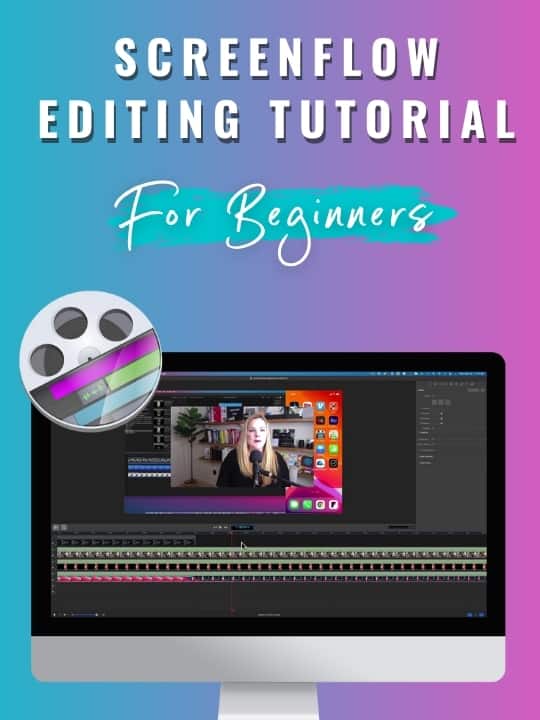
In this ScreenFlow editing tutorial, I’m showing you how to edit your ScreenFlow recordings in ScreenFlow 9. This is a perfect video editing tutorial if your brand new to creating and editing screencasts and videos! We’re starting with the basics of editing in ScreenFlow.
Ever wonder about expanding your content creation business? Like… how to actually make the jump from being a content creator relying solely on the unreliable ad and affiliate revenue (or no revenue at all), to being a course creator who offers in-depth training or coaching in the areas of your expertise?
Create top-notch YouTube videos, Instagram videos, and many other videos using these top video editing software for Mac.
Here is a step-by-step tutorial on how to use ScreenFlow 9! This is good for anyone that is a beginner or just download ScreenFlow after reading that ScreenFlow is my screen recording secret weapon (best screen recording software for Mac!).
The secret weapon to record your Mac screen in high quality for YouTube videos and courses is Screenflow. It’s easy to use, has an integrated editor with effects, pointers, and graphics. Plus, it works with all Apple products.
I kinda love the Canon m50 Mark ii, so I want to share my quick review of the new Canon m50. There are a lot of opinions on how the Canon m50 Mark ii compares to the original m50, but I’m going to be fair in my review for this new version and not fall…
We hear all the time that audio quality is more important than video quality, but if you’re just a regular person making YouTube videos… how do you know if you have good audio quality? With the Rode Wireless Go Setup, I will share with you my tips for better audio quality.
I’ve got my Canon m50 Mark ii video settings tweaked for my YouTube studio space in my home, and after using the m50 Mark 2 for a while now, I’m really loving it! So I wanted to share my m50 Mark 2 video settings with you so you can copy them for yourself or tweak…
Zoom calls, Google meets, and live streams have become the norm these days, but how do you look good with a webcam? Do you really have to look so grainy and double-chinny? Of course not! In this blog, you’ll learn how to go from looking not so good to good, better, and even the best…
Are you struggling to batch content for YouTube and wondering about content creation hacks you could use to make it easier? This post is for you! Keep reading to get my 5 phases of how I batch my YouTube video planning.