Repurpose TikTok Videos for Reels and Shorts
In this blog, I’ll show you how to automatically repurpose TikTok videos with no watermark for Instagram Reels, YouTube Shorts, and Facebook Reels. Repurpose.io is a game-changer for this.

Create pro looking YouTube videos without being a Pro! Ready to create videos? If you’re looking to dive into the world of video creation, you’ve come to the right place. Here, you’ll find all articles related to creating YouTube videos… everything from the basics of video creation to advanced techniques for creating professional-looking videos.
Whether you’re a business looking to create marketing videos, a content creator looking to build your audience, or just someone who wants to make better videos for personal use, the “Create Videos” category has something for everyone.
In this blog, I’ll show you how to automatically repurpose TikTok videos with no watermark for Instagram Reels, YouTube Shorts, and Facebook Reels. Repurpose.io is a game-changer for this.

If you want to be taken seriously on YouTube, you need to get a YouTube channel logo! And if you’re not a custom YouTube channel logo designer or know your way around logo design software, 99designs offers the perfect solution. Seriously… getting a completely custom YouTube channel logo has never been easier!

If you’re looking for YouTube creator gear to get started or upgrade the YouTube camera and YouTube equipment you have in 2023, here’s what I’d be looking for if I were you! Here’s what I’ve been loving this year (I’d totally buy this YouTube creator gear again!) and what I’m wishing for… I’d keep an…
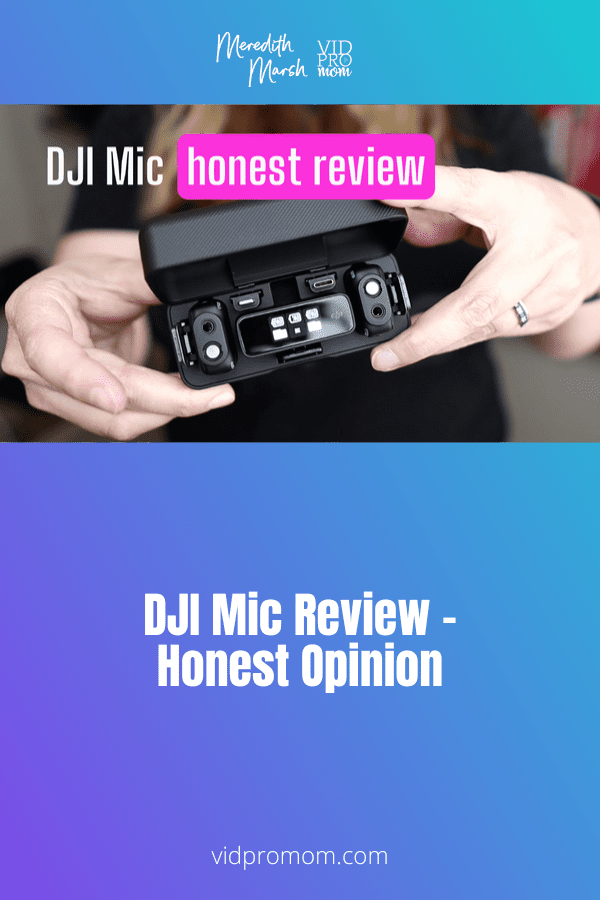
I want great audio but I don’t want it to be complicated. So in this DJI Mic review, I’ll give you my honest opinion about the upsides and downsides of DJI’s microphone!

Wondering how to draw and write ON TOP OF videos? Using your iPad, it’s simple! And using your own handwriting in your videos along with sound effects is a fun way to use your creativity on YouTube!
Did you buy a fancy camera to create YouTube videos but you’re still using your phone because you’re kind of afraid of it!? I can’t tell you how many clients and students I have who have spent hundreds or thousands of dollars on a nice camera, that sits in the box. And I get it,…
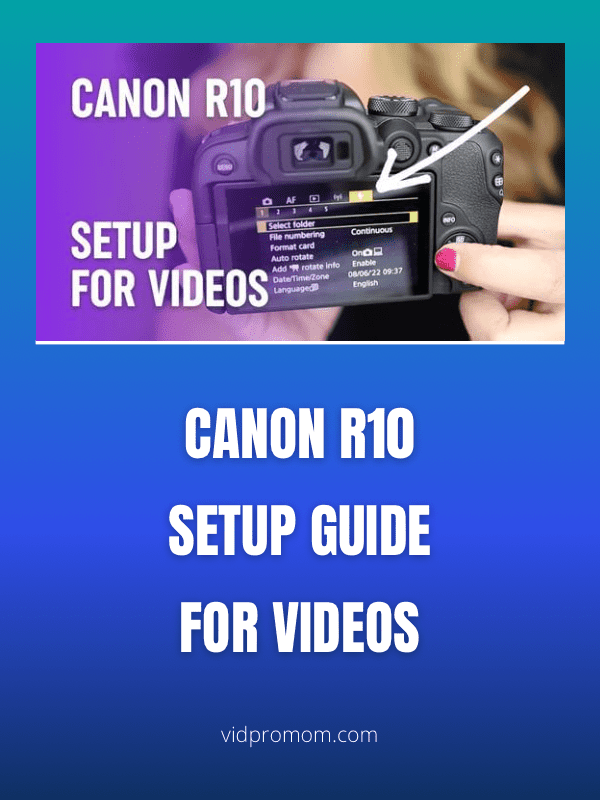
Right out of the box, Canon EOS R10 has some default settings that we need to change and adjust to make your YouTube videos look better and speed up your workflow. Follow along with me here and grab the R10 cheat sheet through the link down below.
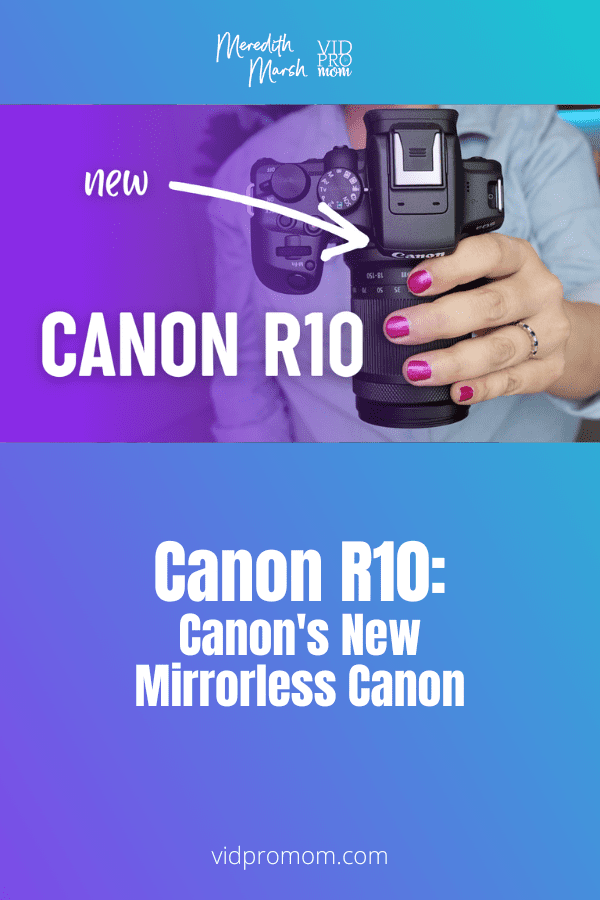
The Canon EOS R10 is a brand new crop sensor, mirrorless camera released in July 2022 along with the EOS R7. I didn’t really need a new camera, but you know I like to cover YouTube cameras here on this blog so when I saw Canon was coming out with something new, I had to…

Yes, this content planning organization video really dives deep into how my brain works… I was kind of scared to show this all on my YouTube and blog!! But after hearing from so many content creators about being overwhelmed and disorganized, I had to get my Notion YouTube video template out there.
Before you add background music on YouTube videos, you should know what the do’s and don’ts are so that you don’t get into trouble. Ignoring some of these aspects of adding background music to YouTube videos could lead to demonetization, and even get you into trouble with your audience.
Over the last 2-3 years, I’ve been doing a YouTube channel pivot. And I have some hard-learned lessons I want to share with you if you’re thinking about pivoting your YouTube channel or wondering if you can pivot your channel in order to grow on YouTube.
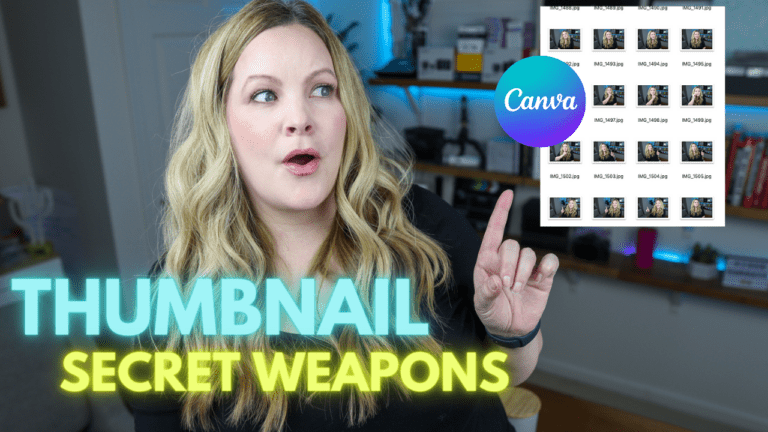
Wondering how to create thumbnails on Canva? Canva is my secret weapon for designing YouTube thumbnails these days. But that’s not my only thumbnail design tool! I have a few tricks up my sleeve that I want to show you today when it comes to actually creating your YouTube thumbnails. In this blog, I’ll show…
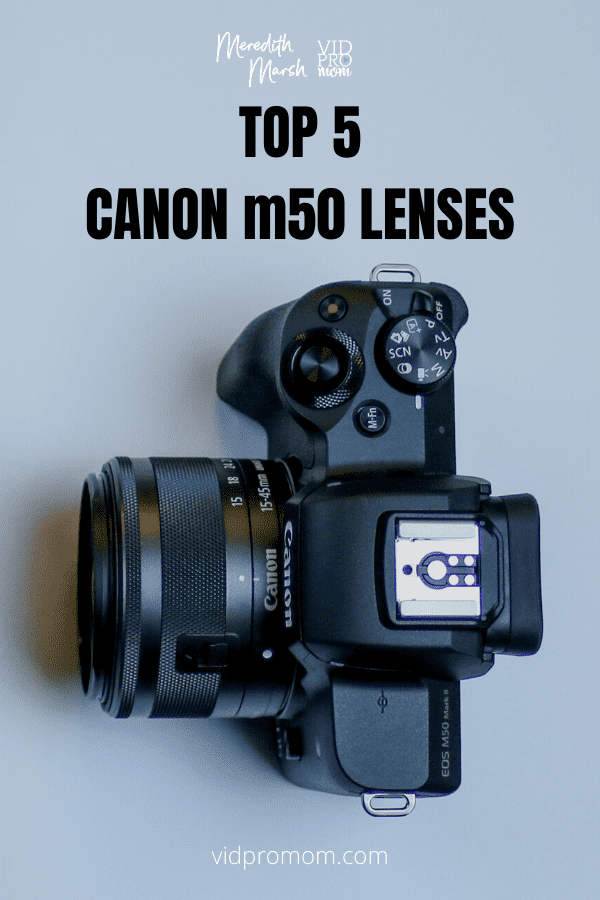
I’ve been a Canon user for over 15 years now, so when I started my YouTube channel, Canon was my go-to for videos! There are so many Canon m50 Lenses out there (Canon m50 mark ii as well) out there, so how do you know what’s best? That’s what you’ll learn from this post.

Most video creators want a blurred background look in their videos. I get it! It makes your video look like a high end production. Creating a blurry background in videos just looks GOOD! But you don’t need expensive camera gear to create a blur in your background, so let’s talk about it!
Screen recording tips are my JAM! If you’ve been around my YouTube channel for a while, you know that a lot of my videos are screen recordings (A.K.A. screencast videos), and I usually use ScreenFlow to record and edit my screen recordings. Now, I want to share 6 screen recording tips that you can use…
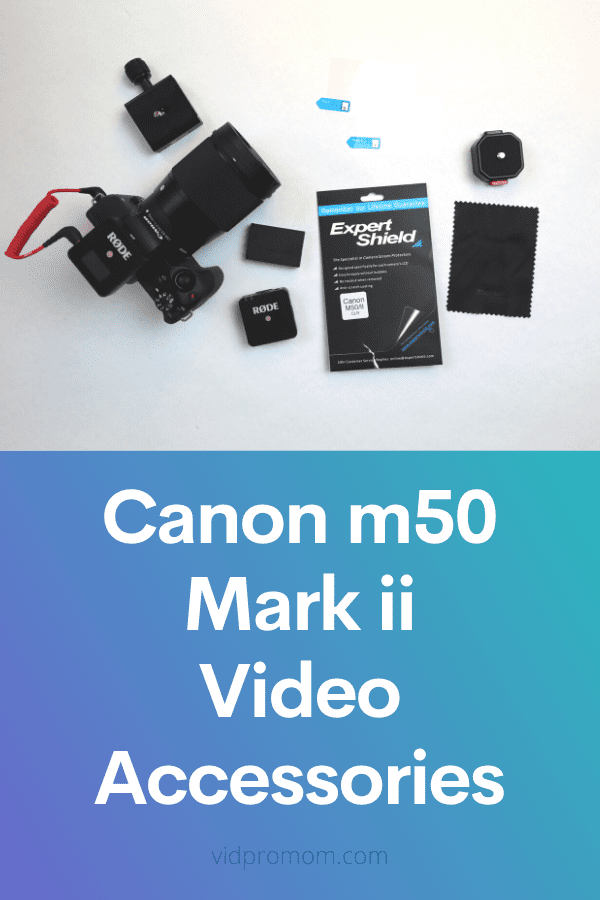
There are many useful Canon m50 accessories, but you don’t want to spend a ton of money or time looking for the right ones. Don’t worry, you have come to the right place! Check out my top 7 Canon m50 accessories for m50 and m50 mark 2!
The Canon M50 is often labeled as the “best camera for Youtube.” That’s why I preordered the Canon m50 Mark ii as soon as it was announced in 2020. I’ve had this Canon m50 Mark ii for a year now, and I LOVE it. In this blog post, I will give you an honest Canon…
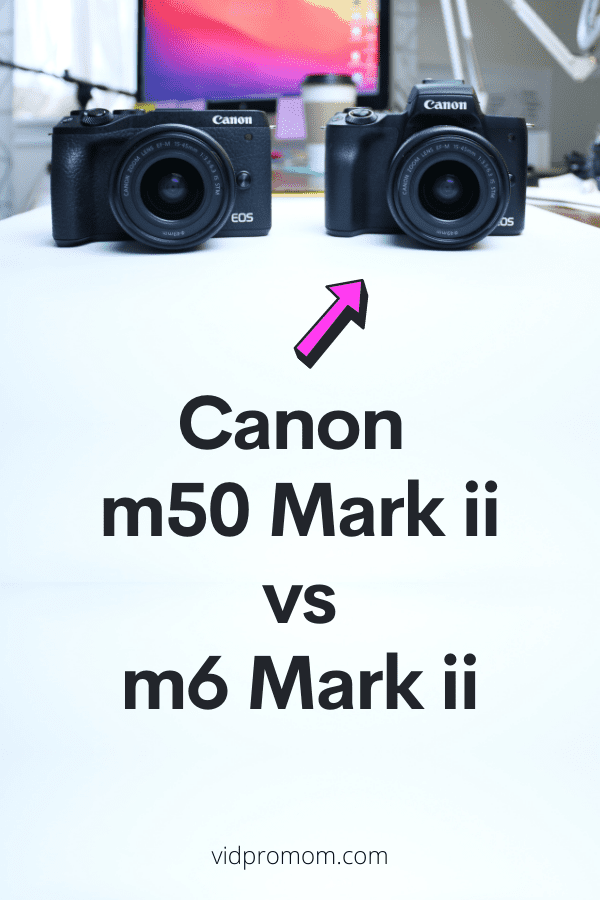
The Canon m50 Mark ii and Canon m6 Mark ii are SO close to being identical, you might be wondering… what is the actual difference? Because one of them costs a few hundred bucks more!! So what’s the deal with the Canon M6 Mark ii vs Canon M50 Mark ii, specifically as it applies to…

Screen Recording, Overhead views, and POV or point-of-view videos are 3 ways you can make YouTube videos without showing your face. So let’s dissect how to create pro-looking videos without your face, and we’ll talk about voiceovers and audio, too.
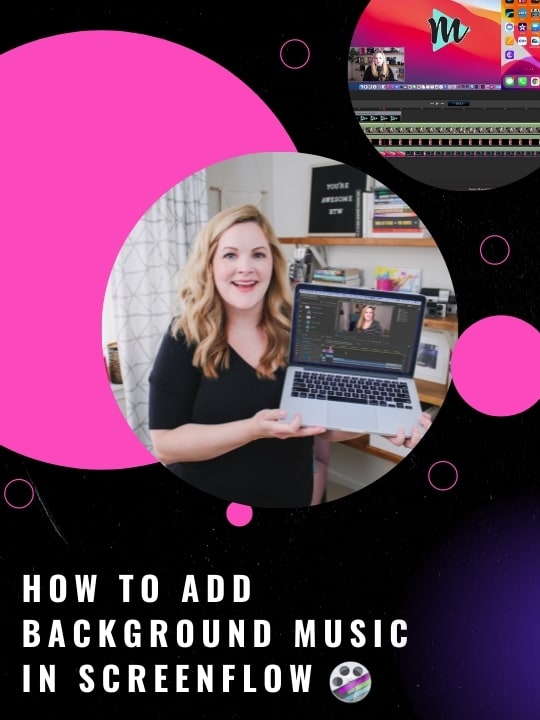
When it comes to ScreenFlow background music and sound effects, adding music in ScreenFlow can seem complicated at first. In this post, I’m going to show you how to add music in ScreenFlow, adjust your music settings, and where to find royalty-free background music so you don’t get into copyright trouble!