iMovie 2020 – Complete Tutorial for Mac
If you’re ready to learn iMovie 2020 on your Mac, here’s a complete tutorial walking you through how to use the current (2020) version of iMovie on your Mac or MacBook Pro or Air.
Create pro looking YouTube videos without being a Pro! Ready to create videos? If you’re looking to dive into the world of video creation, you’ve come to the right place. Here, you’ll find all articles related to creating YouTube videos… everything from the basics of video creation to advanced techniques for creating professional-looking videos.
Whether you’re a business looking to create marketing videos, a content creator looking to build your audience, or just someone who wants to make better videos for personal use, the “Create Videos” category has something for everyone.
If you’re ready to learn iMovie 2020 on your Mac, here’s a complete tutorial walking you through how to use the current (2020) version of iMovie on your Mac or MacBook Pro or Air.
Video editing on the iPhone has come a long way and we now have many options! But there are a few video editing apps for iPhone that stand out from the rest. In this blog post, I’m going to share the top video editing apps for iPhone in 2020 and beyond!
Video editing on iPad Pro has come a LONG way in recent years and in this blog, let me show you my top 3 favorite video editing apps for iPad Pro for 2020!
Ready for the steps to export video, in iMovie (on your Mac, iPhone, or Pad)? You found the easiest step-by-step iMovie tutorial here, updated for 2020! Don’t miss these common mistakes for saving videos in iMovie, uploading to YouTube or social media, exporting an iMovie video to a thumb drive, or emailing an iMovie video.
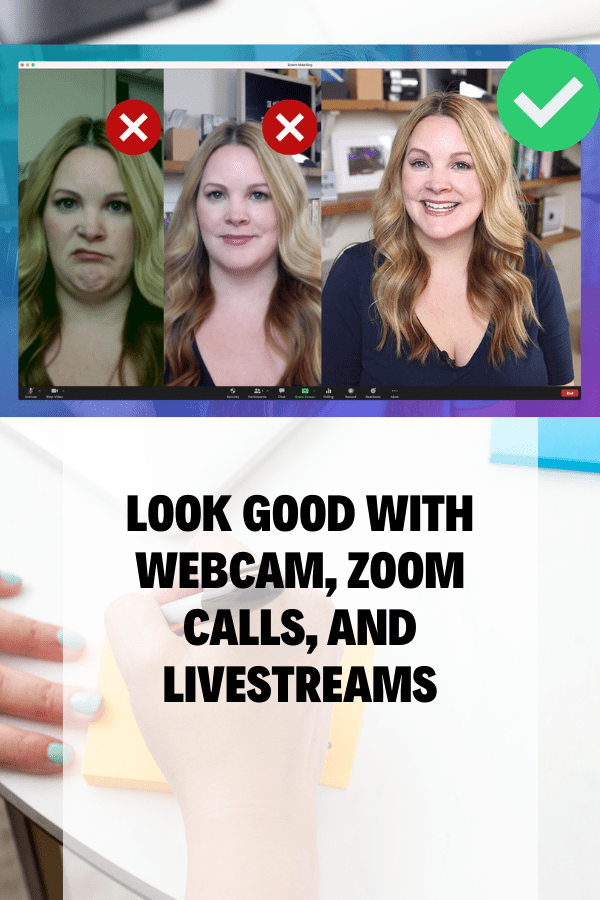
You might be wondering how to edit zoom video recordings if you’ve been doing a lot of zoom conference calls and video chats lately! In this post, I will show you 5 ways to edit Zoom video recording whether they are cloud recordings or local recordings.
In this video, I show you exactly how to create a video template in Premiere Pro, and this works in virtually any video editing software! So if you’re looking to save time with your YouTube video editing, creating a video template, Premiere Pro or not, is going to be a game-changer for you!
Creating animated titles and text in Premiere Pro might look complicated, but the truth is, it’s easier than ever! In this video, I’m going to show you the trick to Easy Animated Titles and Text in Premiere Pro to add some interest to your videos!
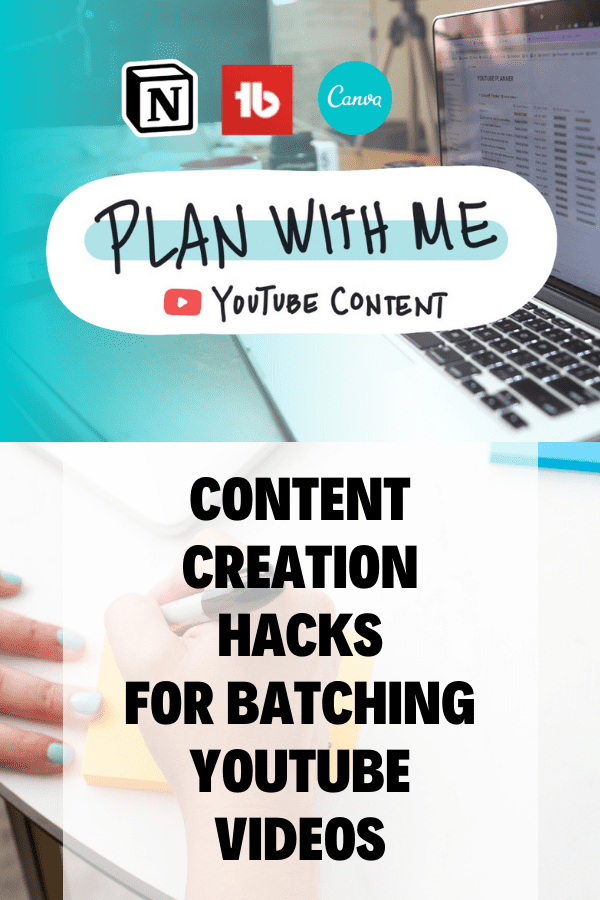
I promised a video about planning out youtube videos, and my youtube video planning workflow and here it is!
I’ve always been a fan of the concept of a smartphone gimbal or smartphone stabilizer. Who wouldn’t want smooth video footage, even from your iPhone, right? But it always seemed like the clunkiness of having an extra piece of gear didn’t really make the tradeoff worth it to me. Recently, FeiyuTech sent me the VLOG…
Background music for social media videos and YouTube is one of my favorite topics because there are so many confusing options for royalty-free music! MOST people think what they’re looking for is free background music, and trust me, I get it–but if everyone keeps using the same free songs over and over, how do your…
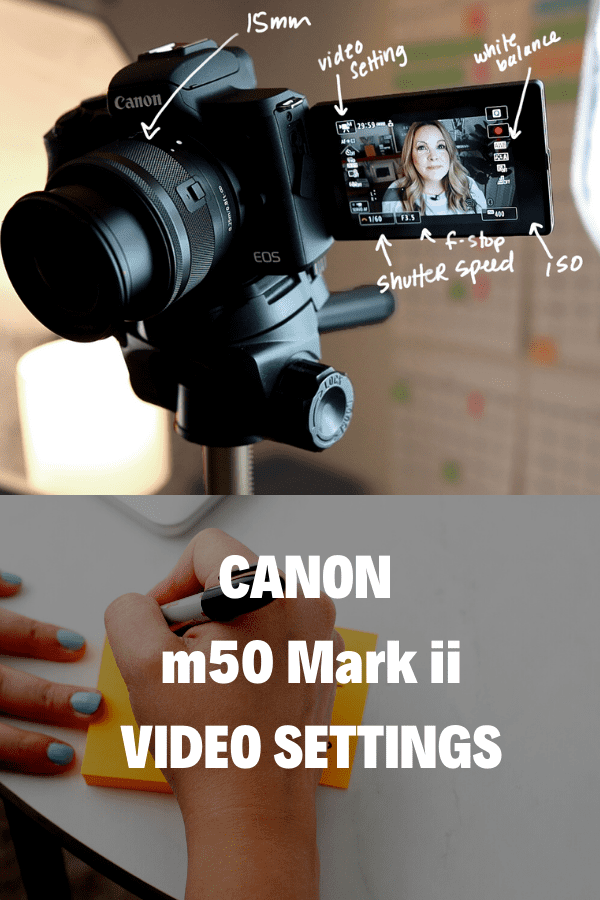
Are you confused about how to use your DSLR video settings? A Few videos ago I walked you through my “YouTube Studio Setup – at Home” and today I’m going to show you the DSLR Video Settings that I use on my Canon camera. I use a Canon 70D, it’s a few years old but…
You’ve asked for a LumaFusion tutorial for beginners, and I promised it was coming but I wanted to wait until LumaFusion 2.0 was released! This is your LumaFusion 2.0 Beginners Guide and in this video, you will learn how to use LumaFusion on an iPad, which is very similar to LumaFusion for the iPhone (it’s…
Adobe Premiere Rush is a new video editing app for iPhone and desktop computers that makes it easy to edit videos on multiple devices, to share on YouTube, Facebook, Instagram, or save for later. With the Adobe Premiere Rush iPhone app, you can start an edit on your phone, and sync your edits to Creative…
Curious how to edit videos on iPhone? I don’t typically edit videos on my iPhone… but lately, I’ve been doing more and more editing on my iPhone X (especially with Luma Fusion). While there are several video editing apps for the iPhone, there is one that really blows me away! In this post (and YouTube…
Holly Gillen from Holly G Studios has a background in video production and cinematography and she helps people master video content for their businesses and personal brands. In this episode, we talk about pre-planning video content before you hit that record button!
Is the Rylo 360 Camera something you should consider buying? Rylo sent me their 360 camera to try out so I could let you guys know what I think, so this is my official Rylo 360 Camera review.
With the release of IGTV, I’ve been asked about how to edit vertical video for IGTV. Many Instagram-savvy folks are utilizing their iPhone for all-things-social these days, and when it comes to editing videos on an iPhone, it gets tricky. Luckily, there are some great video editing apps for iPhone, including LumaFusion. I created this…
What’s up with 360 cameras these days? It seems like everybody and their Grandma are manufacturing 360 cameras. There are dozens of models available at varying degrees of affordability, but are they even useful for us “video hobbyists” who don’t shoot virtual reality stuff or real estate photography? Should you buy a 360 camera in…
*Disclaimer: This video was sponsored by Adobe. I am provided with compensation for advertisements on this channel and, possibly, commissions for purchases made through links in this post. All thoughts and opinions are my own and are not influenced by Adobe or its affiliates. My experience is my own, and your experience may differ. Motion…
*Disclaimer: This video was sponsored by Adobe. I am provided with compensation for advertisements on this channel and, possibly, commissions for purchases made through links in this post. All thoughts and opinions are my own and are not influenced by Adobe or its affiliates. My experience is my own, and your experience may differ. When…